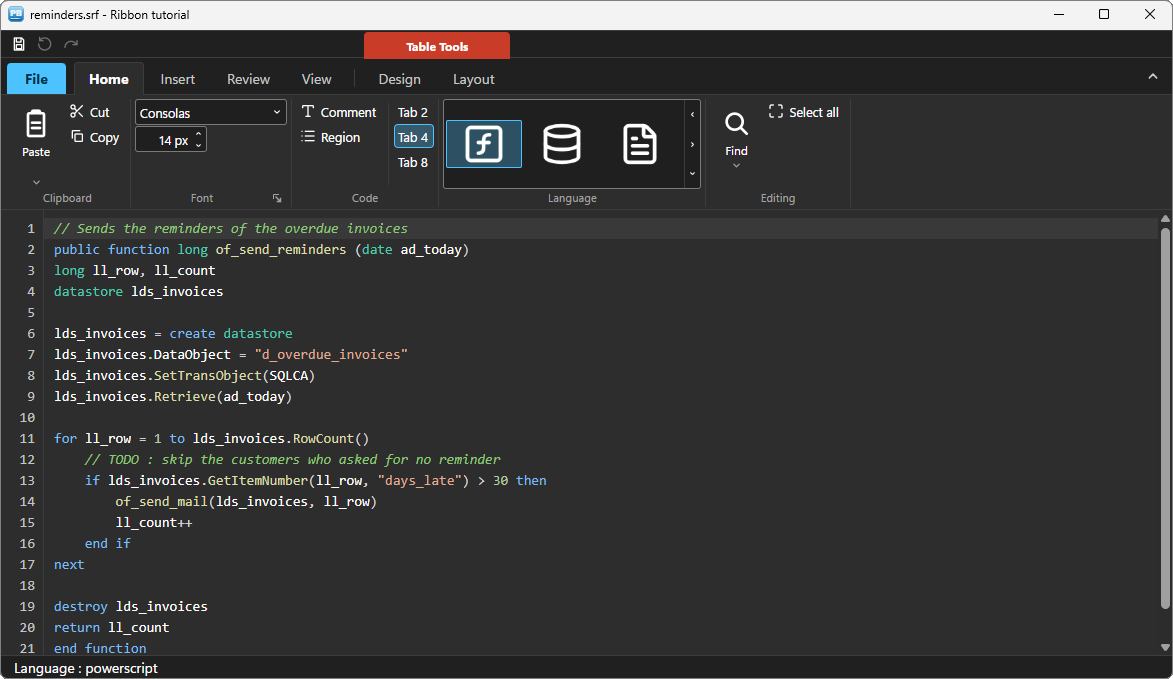
Add an Office-style ribbon to a PowerBuilder application
An Office-style ribbon above a PowerBuilder window: application menu, quick access toolbar, split buttons, a gallery, contextual tabs and live themes, driven in PowerScript.
Guides
Each tutorial builds a real application, with all its code, shipped in the demonstration application (Tutorials tab).
An Office-style ribbon above a PowerBuilder window: application menu, quick access toolbar, split buttons, a gallery, contextual tabs and live themes, driven in PowerScript.
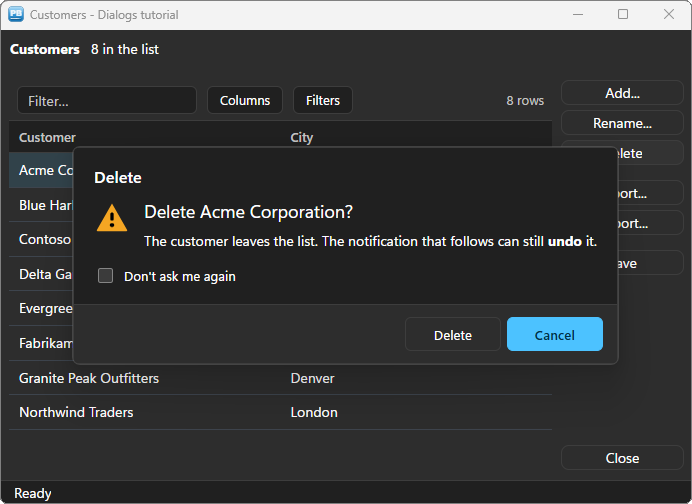
Replace MessageBox() with themed dialogs — main instruction, validated input, choices, folded details — and inform without blocking with toast notifications, with Undo and progress.
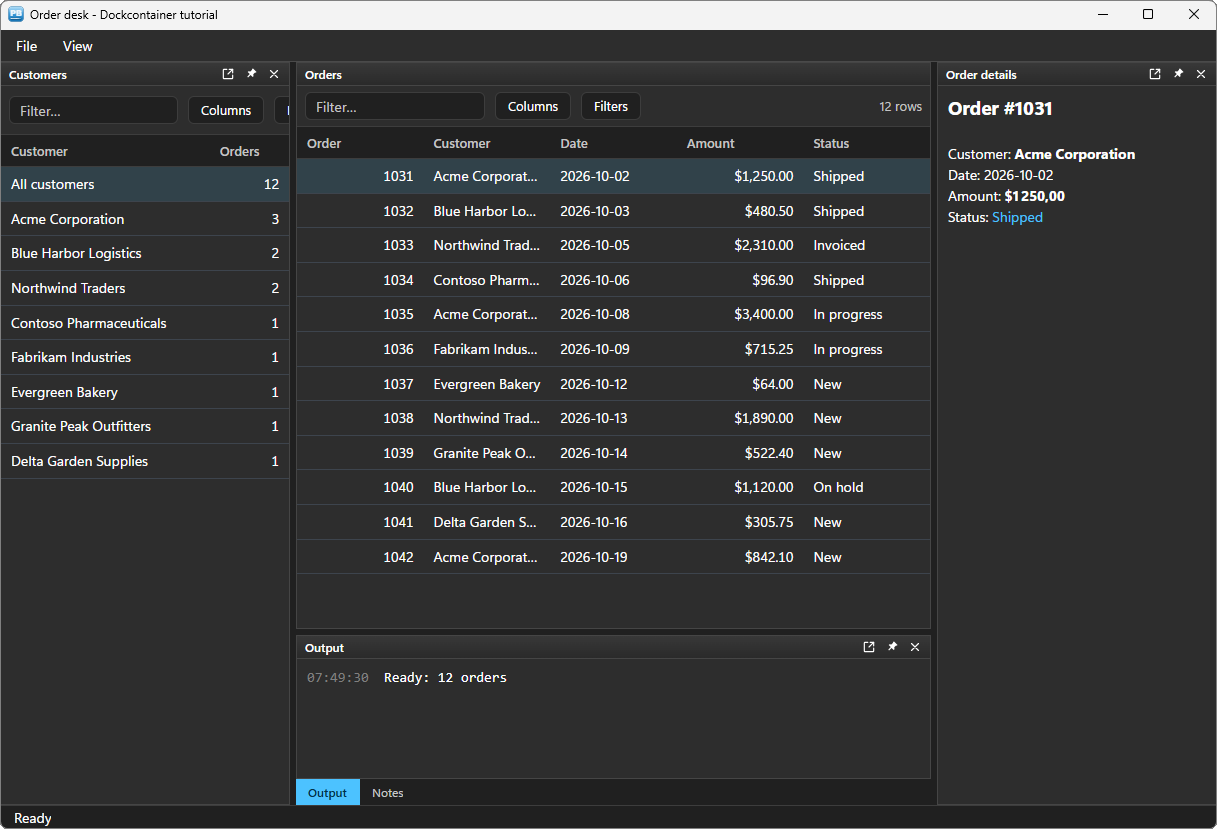
A Visual Studio layout for a PowerBuilder window: your DataWindow and controls in panels the user drags, stacks, folds or floats, a View menu, a question before closing unsaved work, and the layout kept for the next session.
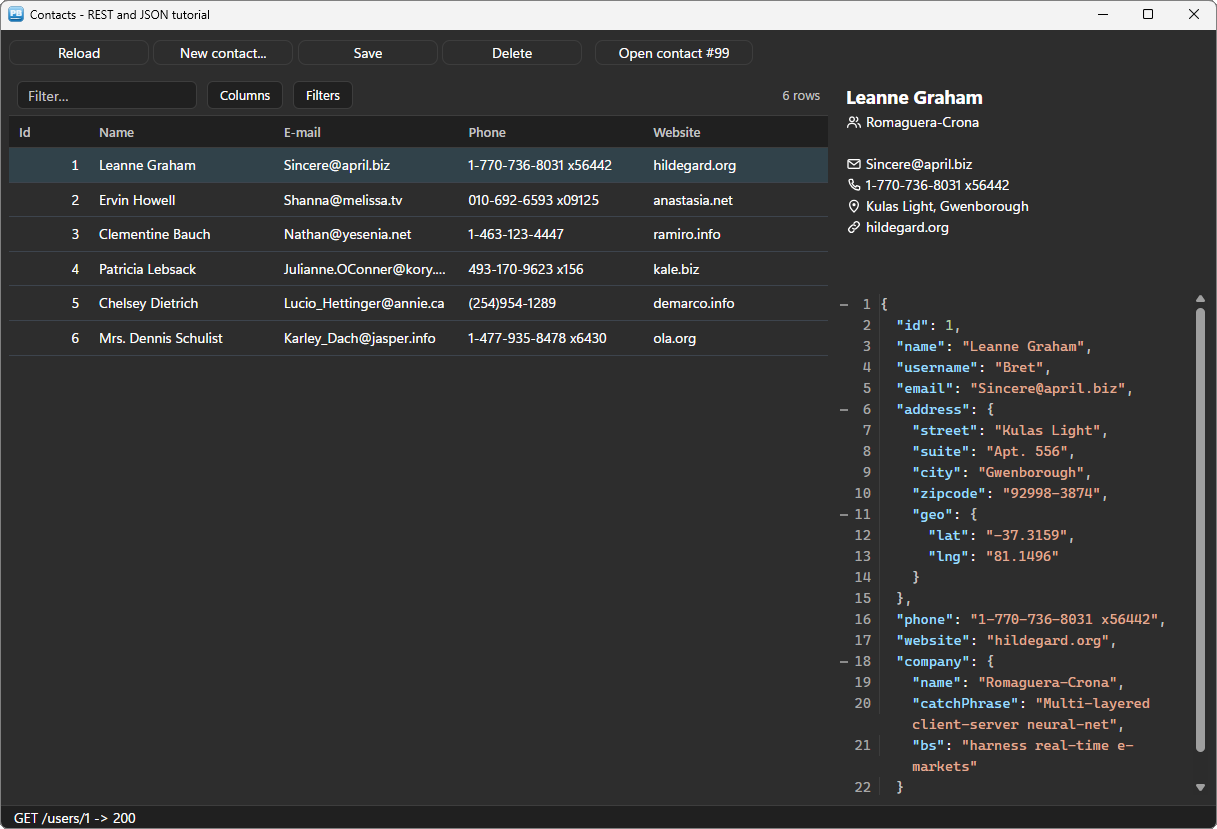
Call a REST API from PowerBuilder, version 10 to 2025: a JSON list straight into a DataStore and a grid, asynchronous requests that never freeze the window, answers read by path, JSON bodies built for POST and PUT, and errors handled properly.
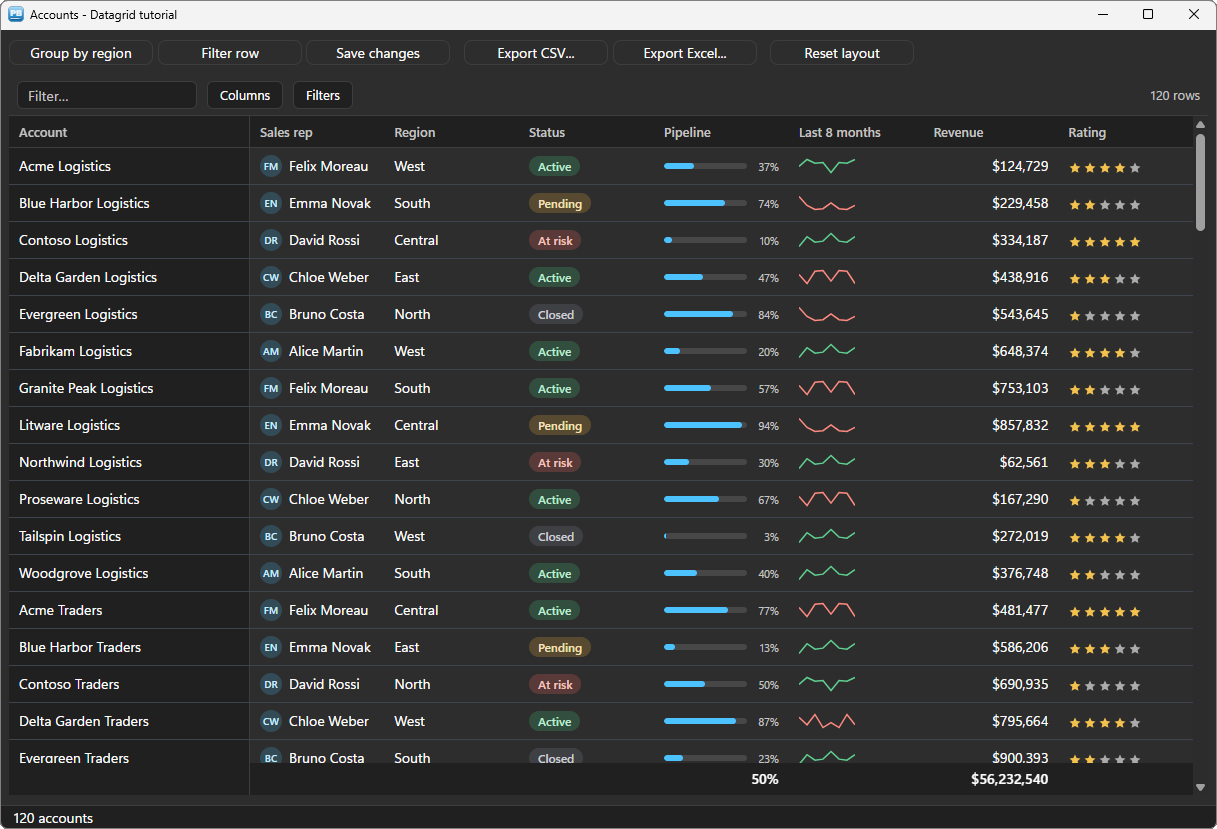
Keep the DataWindow for the data, and show it in a modern grid: rich cells, totals, grouping, a filter row, editing written back into the DataStore, CSV and Excel exports, the layout kept.
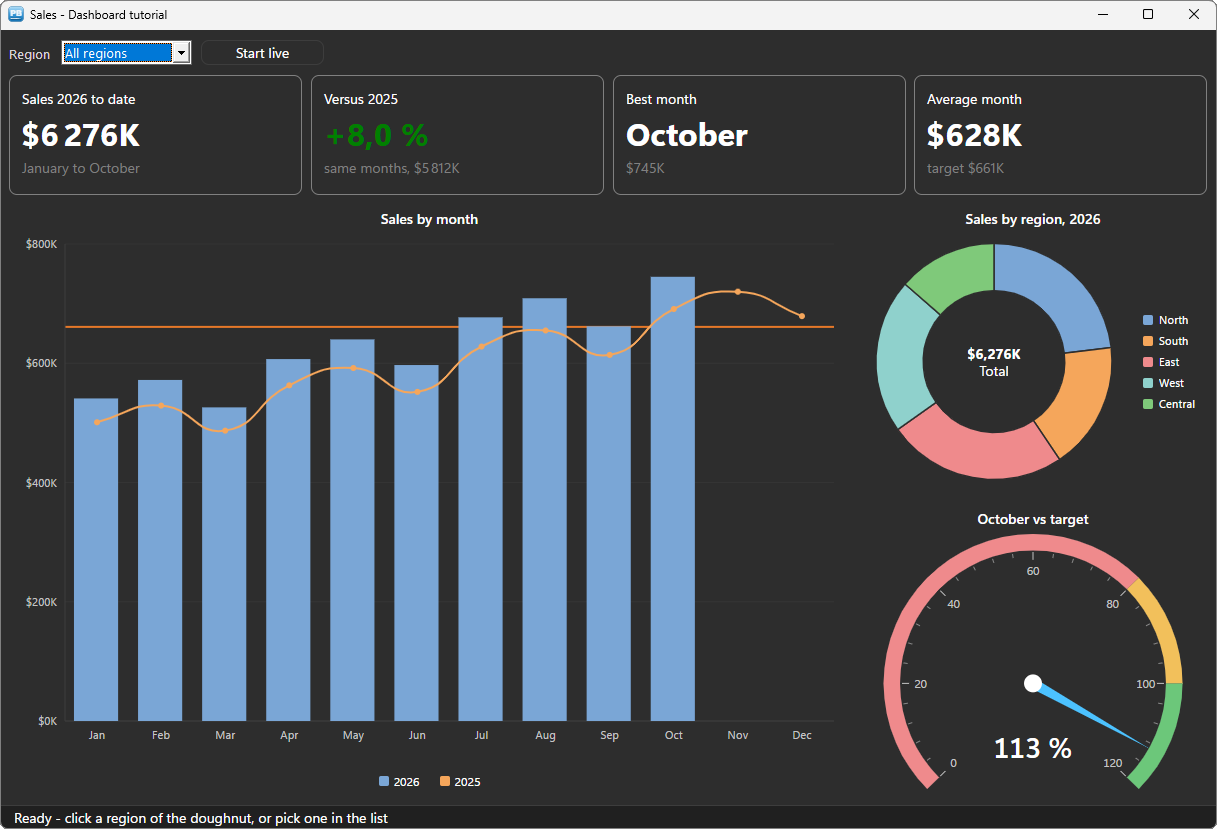
An animated sales dashboard: KPI tiles in rich text, columns and a line against a target, a doughnut that filters the page when clicked, a gauge, and a live mode.
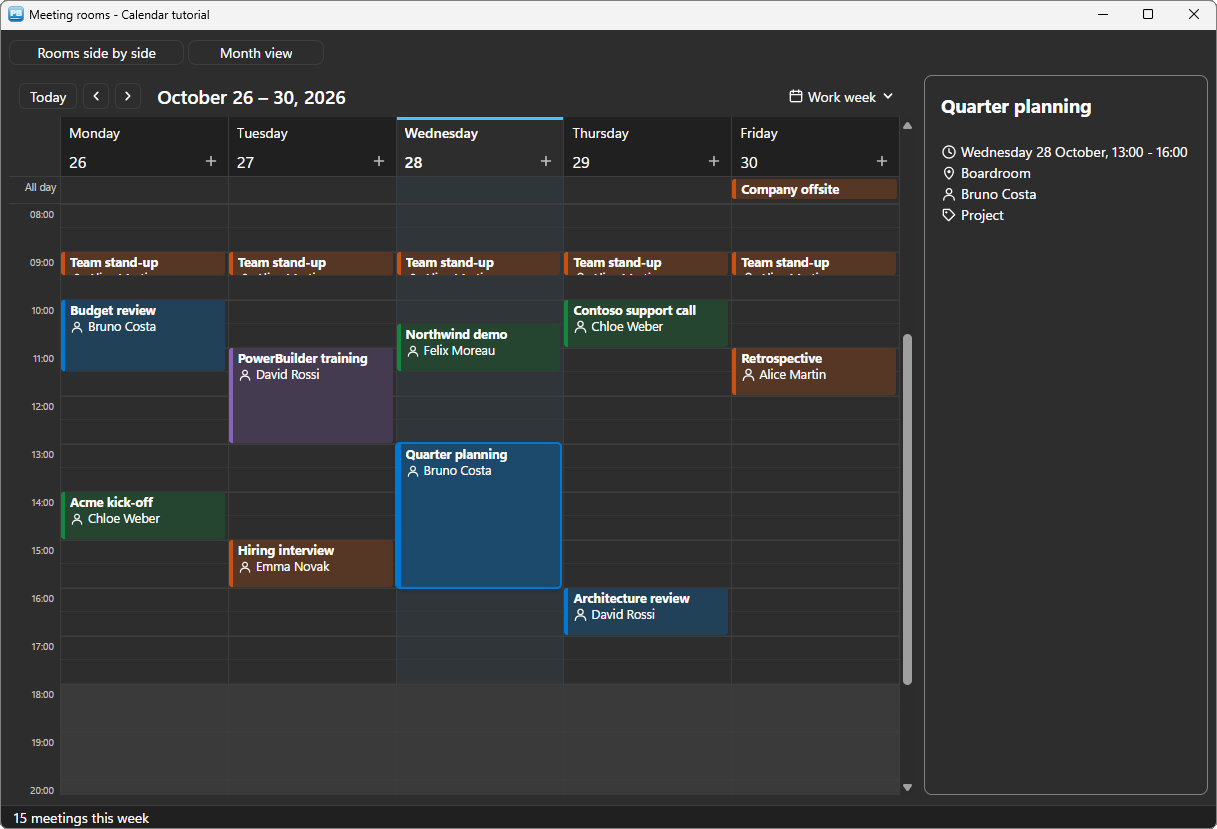
The meeting rooms of the week in an Outlook-like calendar: the rows of a DataStore, rooms side by side, colour categories, drag and drop written back, with a veto when a room is taken.
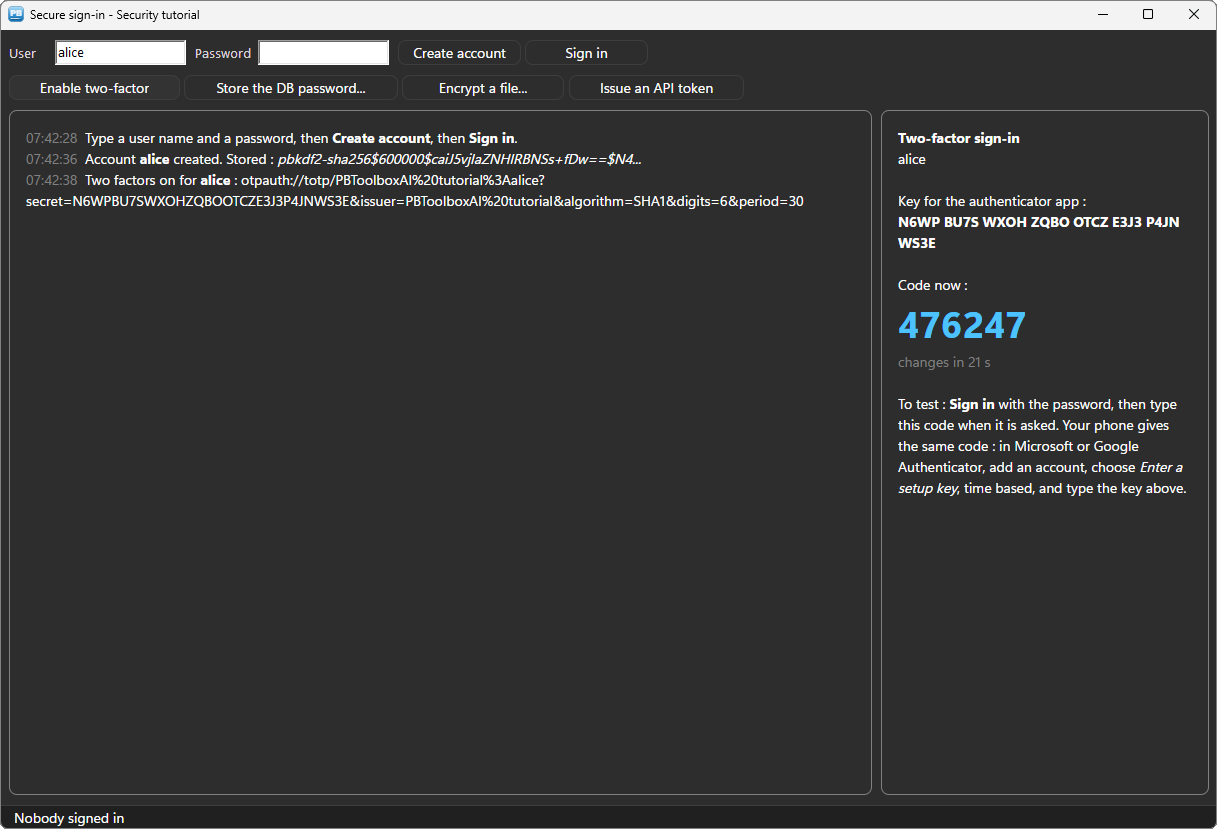
Hashed passwords, two-factor sign-in with authenticator apps, a database password kept by Windows, an encrypted file and a signed API token, in PowerScript.